05 — 927 packs
Canva packs, free plan, matched sets
You can tell. Everyone can tell. And the difference between homemade and professional is not talent — it is whether somebody set the type.
Do I need Canva Pro?
No, and it is tested pack by pack rather than claimed. The Pro feature people miss is Magic Resize — the packs sidestep it by including the other sizes as separate pages already laid out at the right dimensions, which is better anyway.
What if my text is longer than the example?
The layout is built with spacing to absorb it. There is a limit — if you are writing a paragraph into a headline slot, no layout saves that — but a longer line will not collide with anything.
Do the fonts and stock photos come with it?
They are Canva elements, so Canva's licence governs them, not ours. That is stated on the licensing page with a link to their terms. We will not summarise somebody else's licence as if it were our warranty.
Can a designer use these for clients?
Yes, for client work. What is not permitted is selling the template as a template. The line is whether the file is the product or the tool.
Why will the link not open?
Almost always not being signed into Canva in that browser. Sign in, click again. It is the first item on every help page for exactly that reason.
Stop hunting templates. Start shipping.
927+ Canva templates, printable PDFs, lead magnets, and social-post templates — organized across 26 categories and 2,357 niches. Buy with Stripe, your editable “use template” link lands in your inbox automatically. Open in Canva, swap text and photos, you’re shipping.

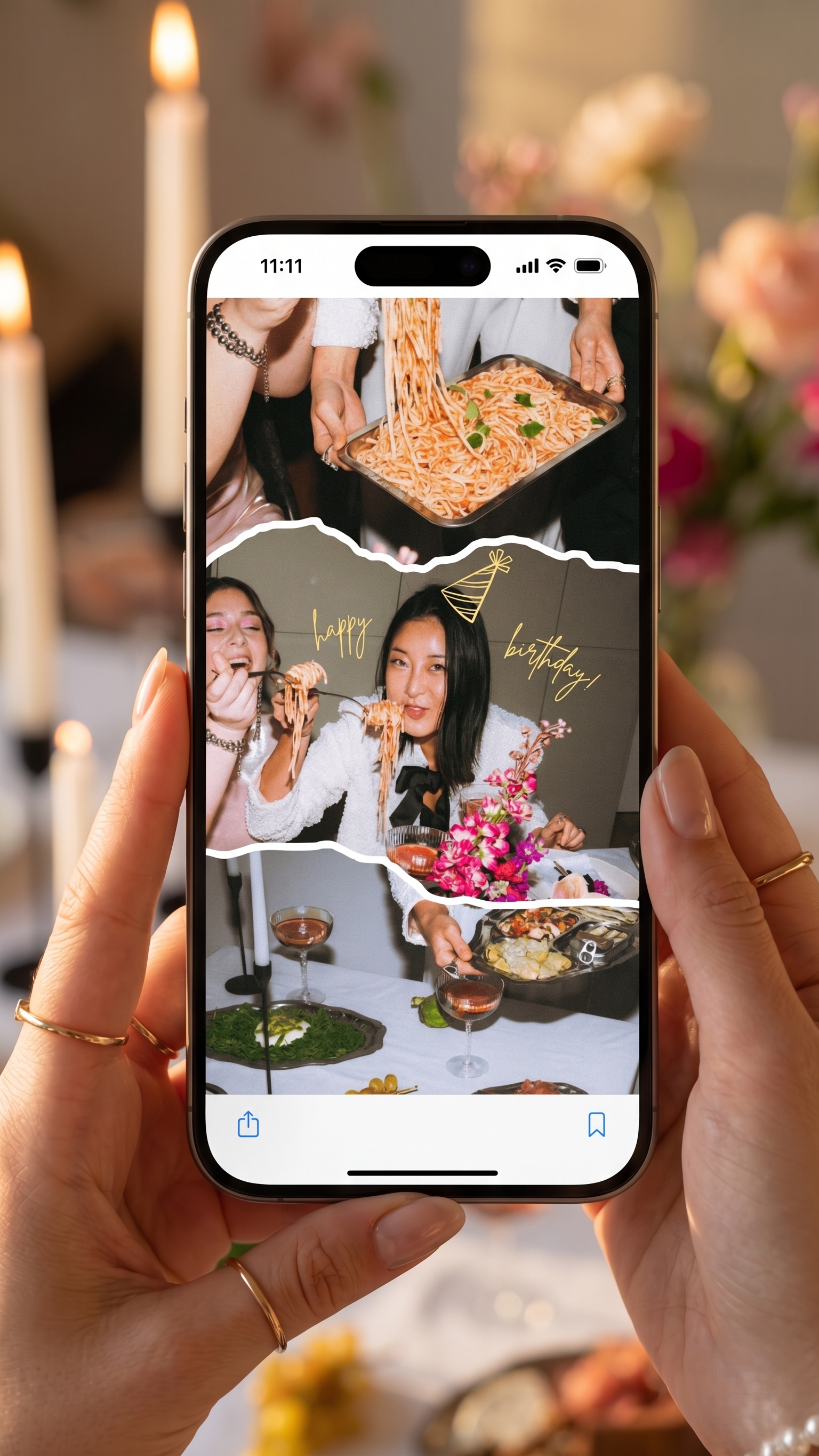
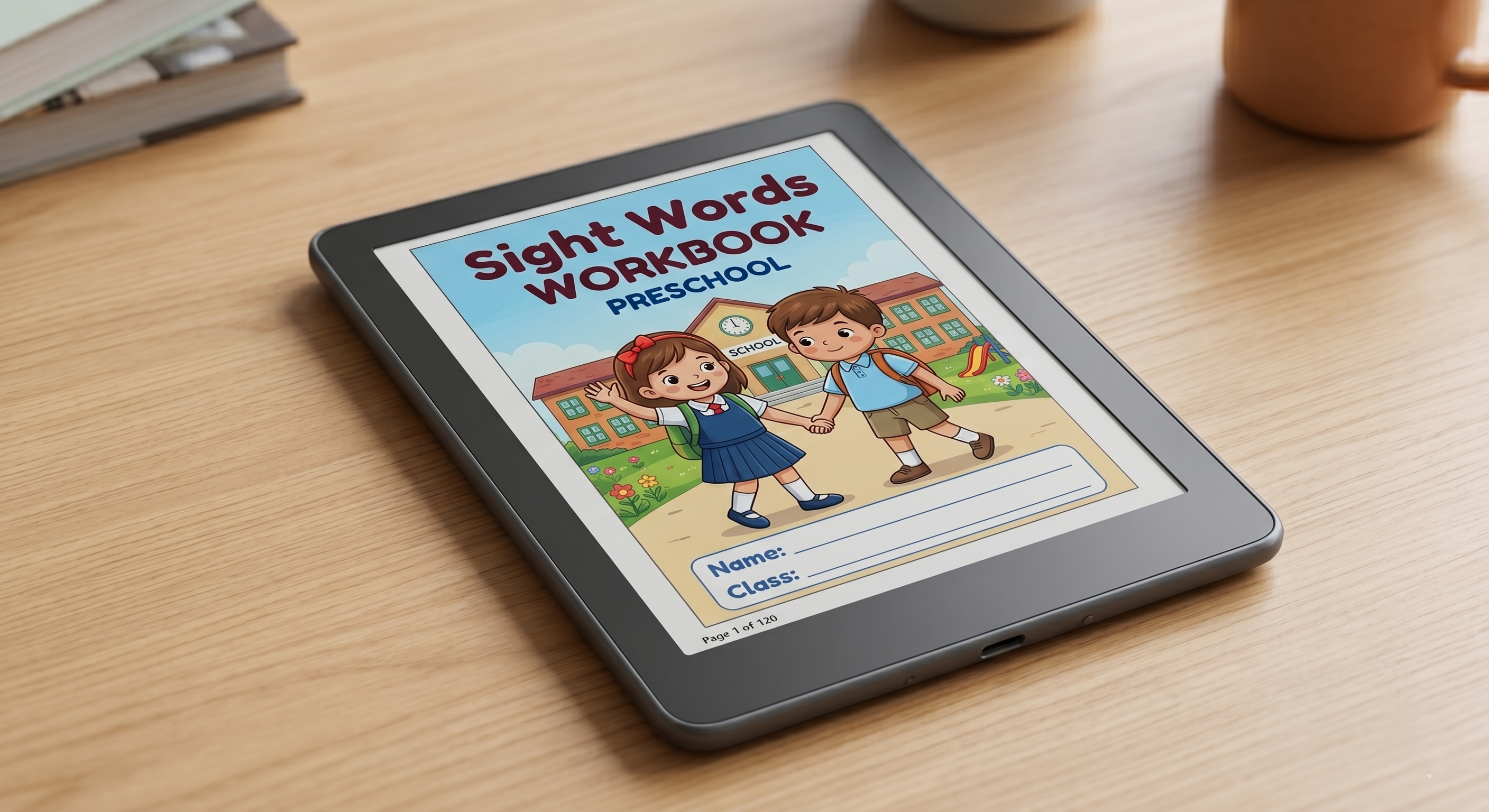
Swap your logo and ship — in minutes
A full walkthrough of opening an Apex pack in Canva's free version, branding it, and exporting.
Open your Apex Canva template, swap the logo, colours and text, and export — a full walkthrough of editing and branding a pack in Canva's free version.
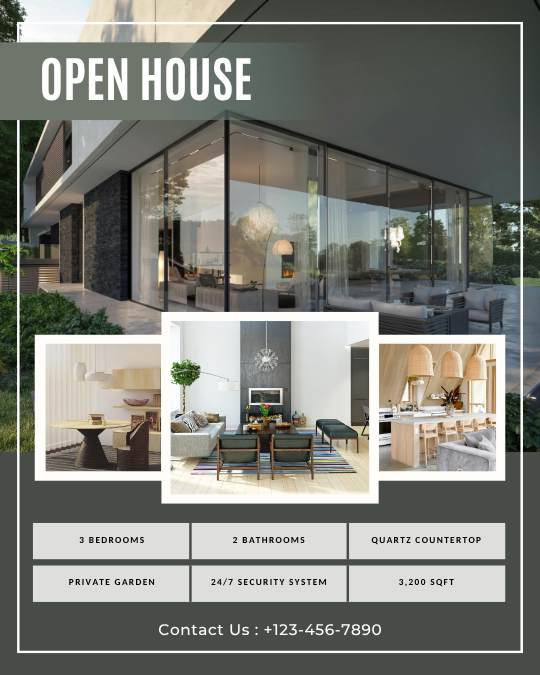
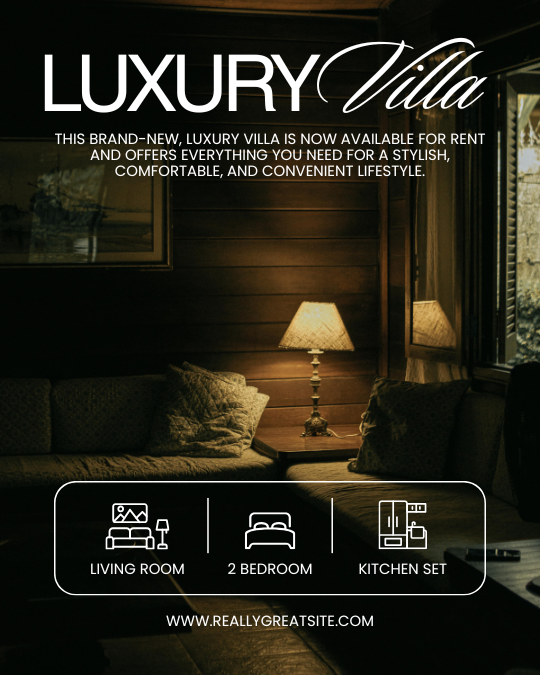

How to use a pack in Canva
Open your Apex Canva template, swap the logo, colours and text, and export — a full walkthrough of editing and branding a pack in Canva's free version.
Step-by-step: after you buy, where your files land, how to open your download link, and how to get your Canva / Notion / STL / sticker files onto your device.
What an Apex Canva template actually is
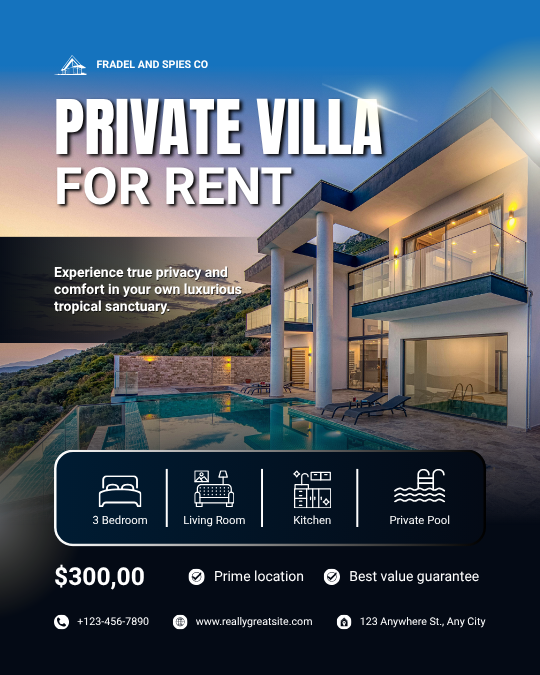
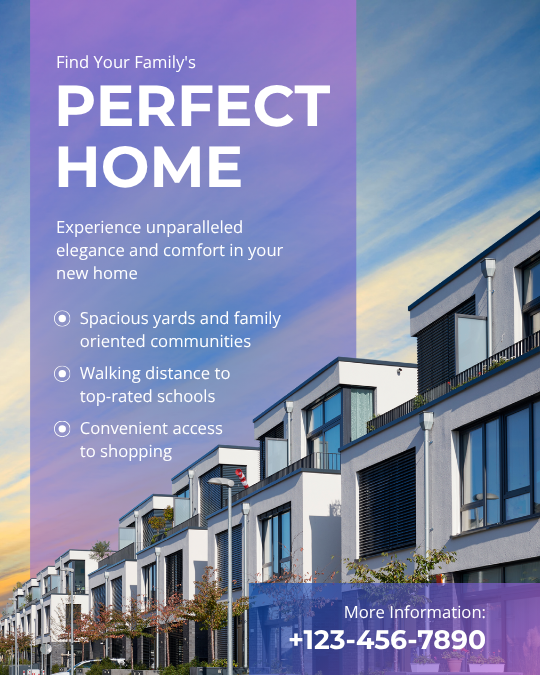
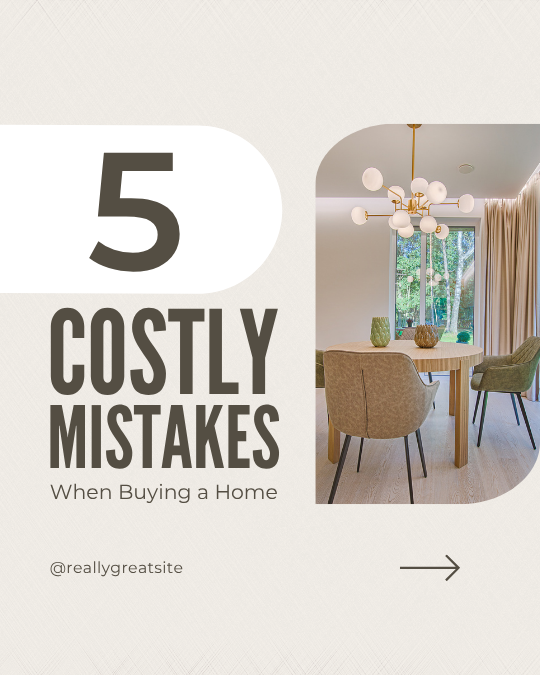
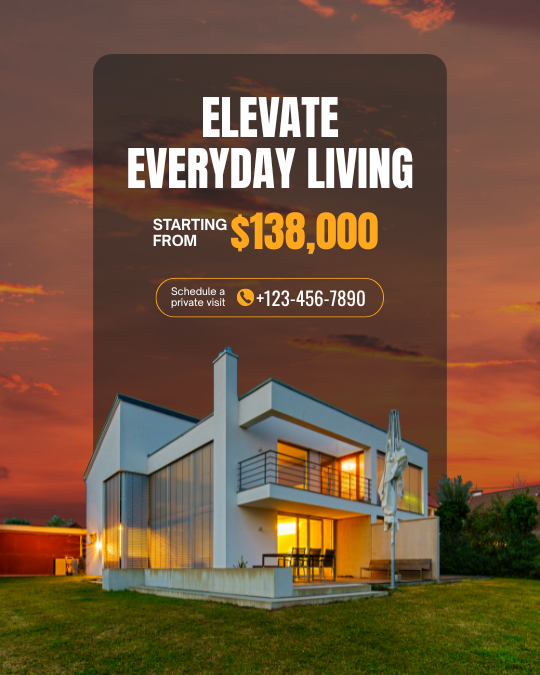
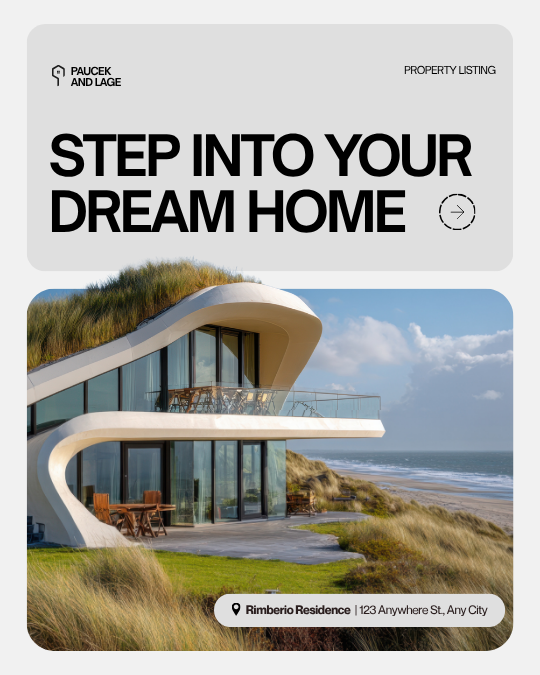
An Apex Canva template is a single, original design built for a specific business type and channel — a Realtor's Instagram post, a coach's lead magnet, a wedding flyer — that you open in Canva, swap your logo, colours, and photos into, and export. It's editable in Canva's free plan, it's a one-time purchase, and you own it.
How it works
- 1. Find the template built for your niche and channel.
- 2. Buy it — your 'use template' link lands in your inbox automatically.
- 3. Open it in Canva (the free plan is enough).
- 4. Swap in your logo, colours, photos, and text.
- 5. Export a PNG or PDF and post or print it.
Who it’s for / who it’s not
For: small-business owners, realtors, coaches, salons, wedding pros, marketers — non-designers who want something that looks professionally made for their exact niche, across 927 templates and 26 categories.
Not for: people who want a fully bespoke custom design, or who expect a giant multi-design bundle — each product is one polished template, not a pack.
What it changes for you
Looks like you hired a designer
Original, niche-built designs — not the free template ten thousand other businesses use.
Branded in minutes
Swap your logo, colours, and photos, export, done — no design skill needed.
Free to edit
Opens and edits in Canva's free plan; no paid Canva subscription required.
You own it, one-time
A one-time purchase you keep — no subscription to Apex.
Built for your channel
Sized right for the platform — Instagram, Pinterest, email, flyer, pitch deck.
A how-to with it
A short walkthrough shows exactly how to brand it, so you're never stuck.
An Apex template vs a free Canva template vs hiring a designer
| Apex template | Free Canva template | Hire a designer | From scratch | |
|---|---|---|---|---|
| Original / niche-built | Yes | Generic, widely used | Yes | You do it |
| Design skill needed | None | Some | None | A lot |
| Time to finished | Minutes | Minutes | Days–weeks | Hours+ |
| Cost | One-time | Free | $$$ per design | Your time |
| Editable in Canva Free | Yes | Yes | — | — |
| You own it | Yes | Yes | Usually | Yes |
Straight answers
Canva templates — straight answers
What is a Canva template?
A Canva template is a ready-made design you open in Canva and edit. An Apex template is an original design built for a specific business and channel, so you just swap in your brand instead of designing from scratch.
What is Apex Templates?
Apex Templates is a library of 927+ original, niche-specific Canva templates across 26 categories — Instagram posts, Pinterest pins, lead magnets, flyers, pitch decks, and more — each built for a particular business type.
Is each product one template or a pack?
Each product is a single template — one polished design — not a multi-design bundle. We say so plainly on the page. You buy the exact design you need.
How is it different from a free Canva template?
Free templates are generic and used by thousands of businesses, so your marketing looks like everyone else's. Apex templates are original and built for your niche, and each comes with a how-to so you can brand it fast.
Do I need a paid Canva account?
No. Every template opens and edits in Canva's free plan. You only need a paid Canva plan if you want Canva's own premium features — not to use the template.
Do I own it, or is there a subscription?
You own it. It's a one-time purchase — the editable template is yours to use again and again, with no subscription to Apex.
How do I edit it?
You get a 'use template' link by email. Open it in Canva and swap your logo, change the colours to your brand, drop in your photos, and edit the text. Then export.
Do I need design skills?
No. The design work is already done — you're just swapping in your brand. A short walkthrough shows every step, so non-designers can finish in minutes.
Who is it for?
Small businesses and solo operators who need professional-looking marketing without a designer — realtors, coaches, salons, wedding pros, marketers, and more, each with niche-specific designs.
Who should NOT buy it?
If you need a fully custom, bespoke design, or you expect a large pack of many designs in one purchase, this isn't that — each product is one focused template.
Is there a template for my niche?
Templates are organised across 26 categories and many niches, so there's likely one built for your business type. Browse by category to find yours.
Can I use it commercially or for client work?
Yes — use it to market your own business and for your client work under the license. The one thing you can't do is resell the template file itself as your own product.
What formats can I export?
Whatever Canva exports — PNG, JPG, and PDF (including print-ready PDF). You control the export from inside Canva once your brand is in.
Can I print it?
Yes — export a high-quality PDF or PNG from Canva and print it at home, at a print shop, or through Canva's own print service.
What size is the template?
Each template is sized for its channel — an Instagram post, a Pinterest pin, an email header, a flyer, a pitch deck slide — so it fits where you're posting it.
Is there a how-to video?
Yes — a short walkthrough shows exactly how to open it in Canva, swap your brand, and export, so you're never stuck on a blank screen.
How fast can I use it?
Minutes. Open the link, swap your logo and colours, drop in a photo, change the text, and export. The design is already finished — you're just branding it.
Can I change the colours, fonts, and photos?
Yes — it's fully editable in Canva. Change colours, swap fonts, replace photos and icons, and edit every line of text to match your brand.
Does it work on mobile?
Yes — Canva runs on the web and in its mobile app, so you can edit and export your template from your phone or tablet.
Canva template vs hiring a designer?
A designer can cost hundreds per design and take days. An Apex template is a one-time purchase you brand yourself in minutes — designer-quality without the bill or the wait.
Canva template vs building from scratch?
Starting from a blank Canva means hours of layout, spacing, and font decisions. An Apex template hands you a finished, on-brand-able design so you skip straight to your content.
Is it discounted with the Apex Pass?
Yes. Canva templates are digital, so Apex Pass members ($99/yr) get 30% off every one, in every Apex store. Each purchase is one-time and yours to keep.
How many templates are there?
927+ original templates across 26 categories, each built for a specific business type and channel.
What exactly do I get?
The editable 'use template' link for that design, delivered to your inbox — so you can open it in your own Canva, brand it, and export as many times as you like.
What's the guarantee?
It's backed by the store's guarantee. Because the template is yours once delivered, you keep it. We don't promise results — we give you a finished design and honest terms.
Can I resell the templates?
No. Use them to market your business and in client work, but don't resell the template files themselves as your own product — that's the one restriction in the license.
What are best practices?
Swap in your real logo, colours, and photos fully — don't leave the placeholders. Keep the layout that makes it look designed, and just change the content to yours.
What's the most common mistake?
Leaving the stock photos or default colours in, which makes it look generic. The template does the design work; your job is to make it unmistakably yours.
How do I get started?
Find the template that matches your niche and channel, buy it, and open the 'use template' link in Canva. Swap your brand in and export — you'll have a finished design in minutes.
One email. Saturday morning. The best post from the ecosystem + what we shipped that week. No fluff, no “5 hacks for productivity” garbage. Unsubscribe with one click.
By subscribing you agree to receive our email newsletter and occasional offers from Apex Flow Labs. Unsubscribe with one click in any email. Privacy Policy.