——/templates · quote posts · 25 live · $7–$14
Marketing tools quote posts actually use, not Canva clipart.
25 ready-to-edit Canva templates for the jobs you do every week. . Editable in your Canva, exported in 30 seconds, used on your next listing / shoot / launch.
Editable in your CanvaNo subscription requiredCommercial use included14-day refund window
Also:Service Business Operationsadhdtradescarpet cleaningstudentstravelpet carepeptidemedicaladhdPinterest PinsReal EstateYouTube ThumbnailsFitnessInstagram PostsInstagram CarouselsInstagram StoriesCoachingLead Magnet PDFsFood & DrinkeBook CoversEmail BannersBeauty & SalonFlyers & BrochuresWeddingWorkbook & WorksheetsPresentation SlidesPetsContractorsDigital CreatorsTeachersEvent PlannersStickersCross-Niche

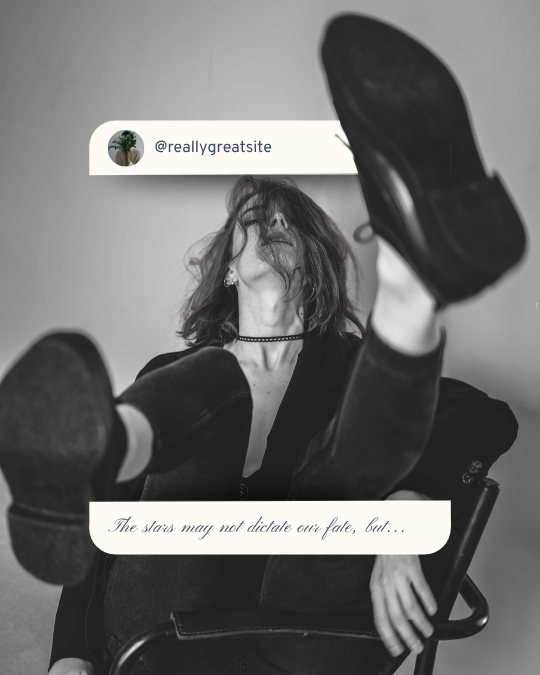



——Built for what you actually do every week
From trigger to ready-to-ship.
- WhenPitch a new customer→ pitch deck or one-pager
- WhenPromote a new offer→ social post + email template
- WhenBrand yourself→ logo + monogram
- WhenStay top-of-mind→ newsletter template
- WhenRun the week→ Notion ops workspace
——How this works
Open it. Edit it. Done.
Pick the template for the job in front of you, drop in your brand, ship.
- 01
Pick the template that fits the job in front of you.
- 02
Click “Use template” — Canva opens it in your own account.
- 03
Customize anything — photos, names, colors, copy.
- 04
Export, post, print. Done.
FAQ
Common quote posts questions
- No — Canva Free works for every template. You only need Canva Pro if you want premium stock photos or the background remover. Not required to ship.
——Insider Pass
Get every marketing template forever —$99/yr
All quote posts templates plus the rest of the Apex catalog and future drops. Pays for itself in three or four single purchases.
—— New quote posts drops
First to see new quote posts packs. Sundays only.
One email. Saturday morning. The best post from the ecosystem + what we shipped that week. No fluff, no “5 hacks for productivity” garbage. Unsubscribe with one click.