Wedding templates that don't look like everyone else's.
60 hand-built Wedding templates. All Canva-editable. Open. Edit. Export. Yours to keep.


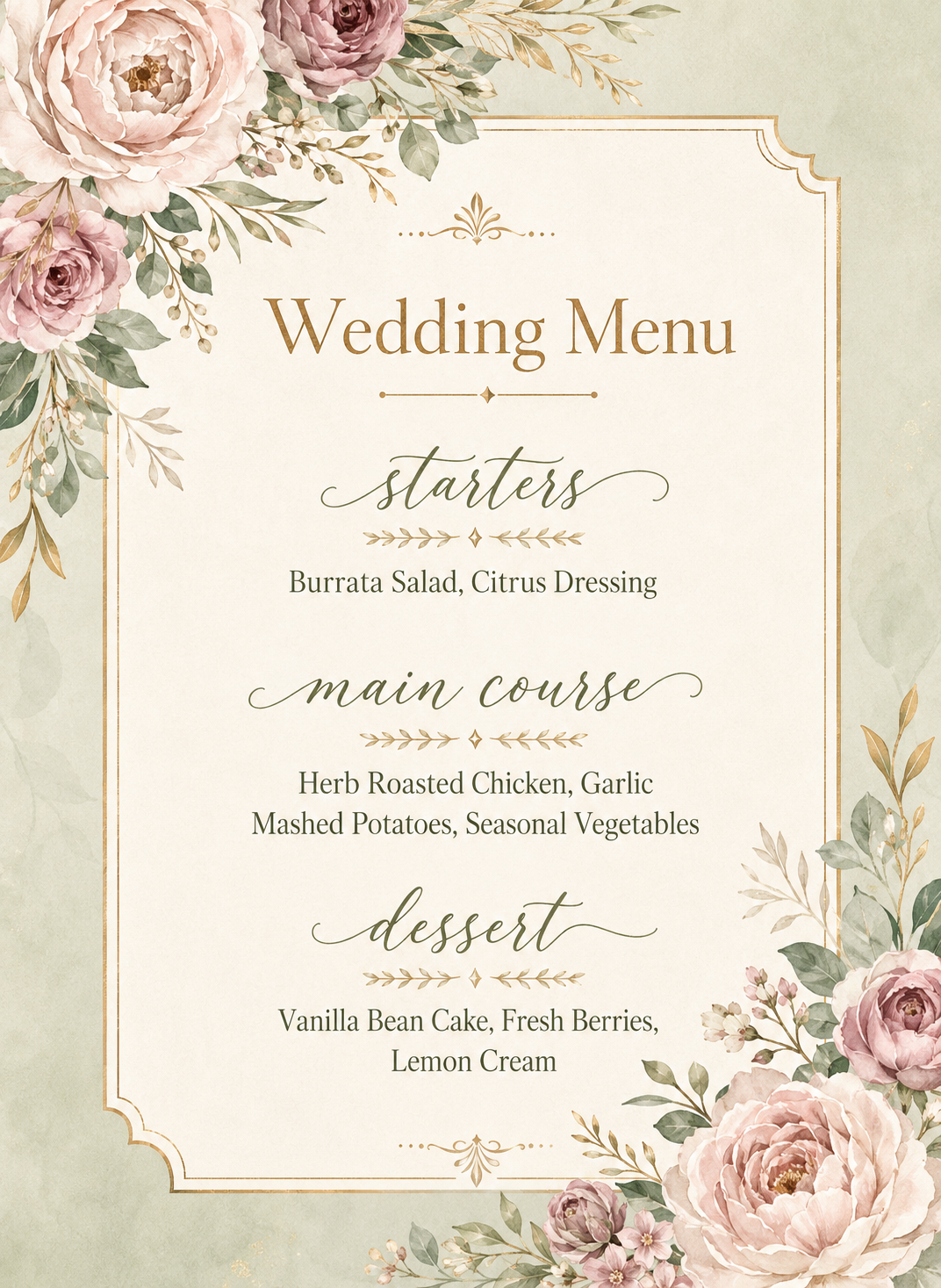


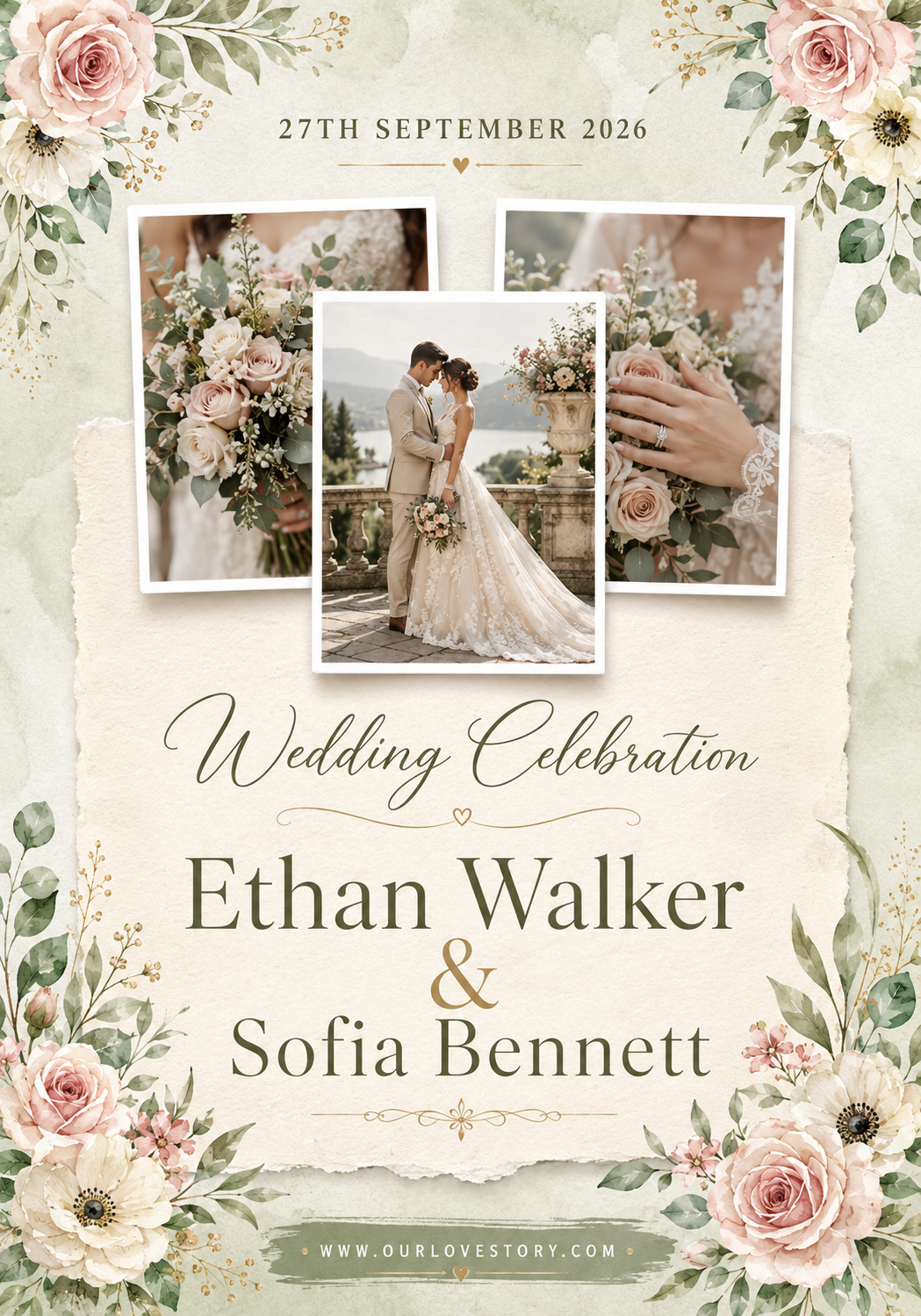
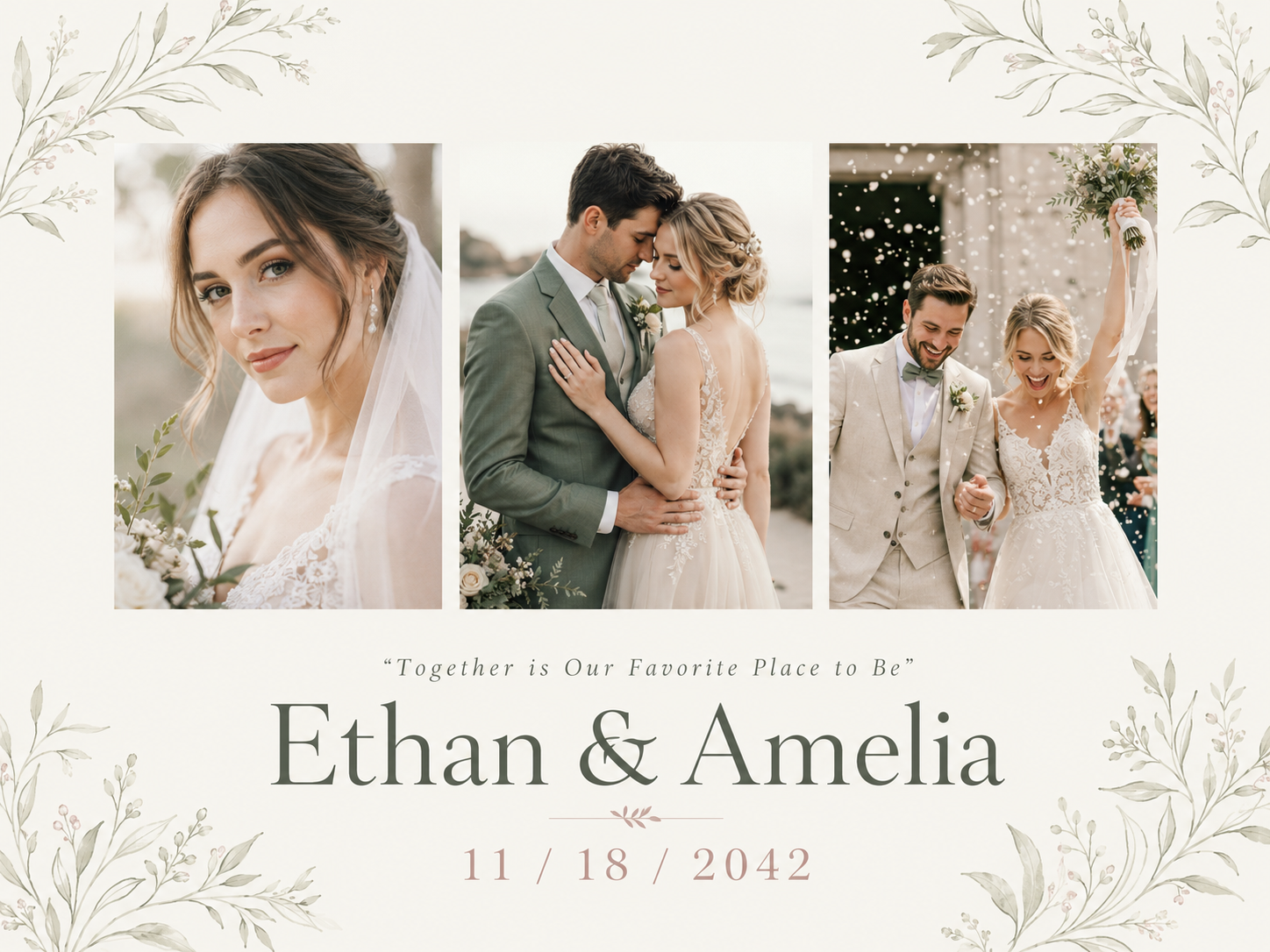
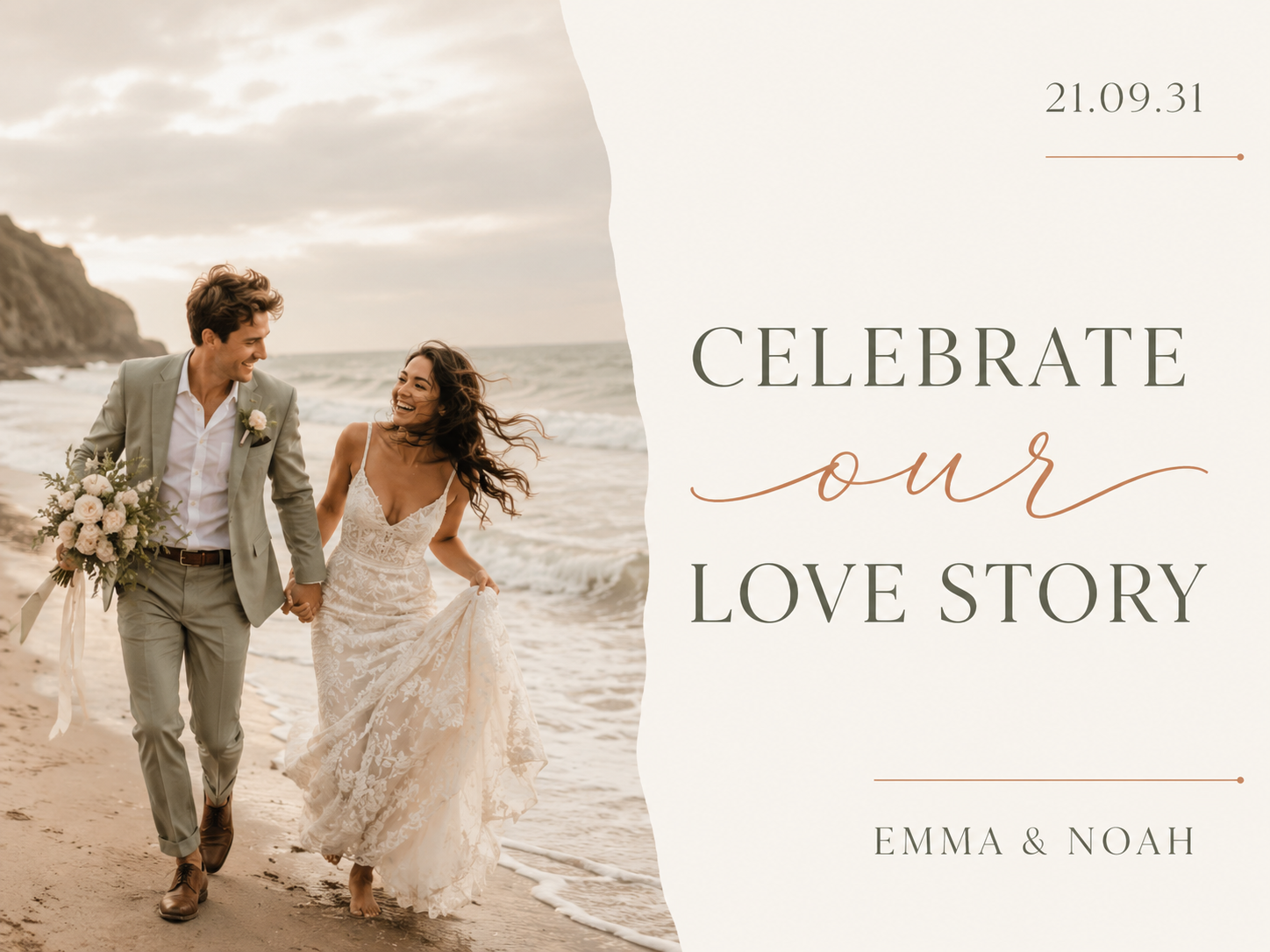


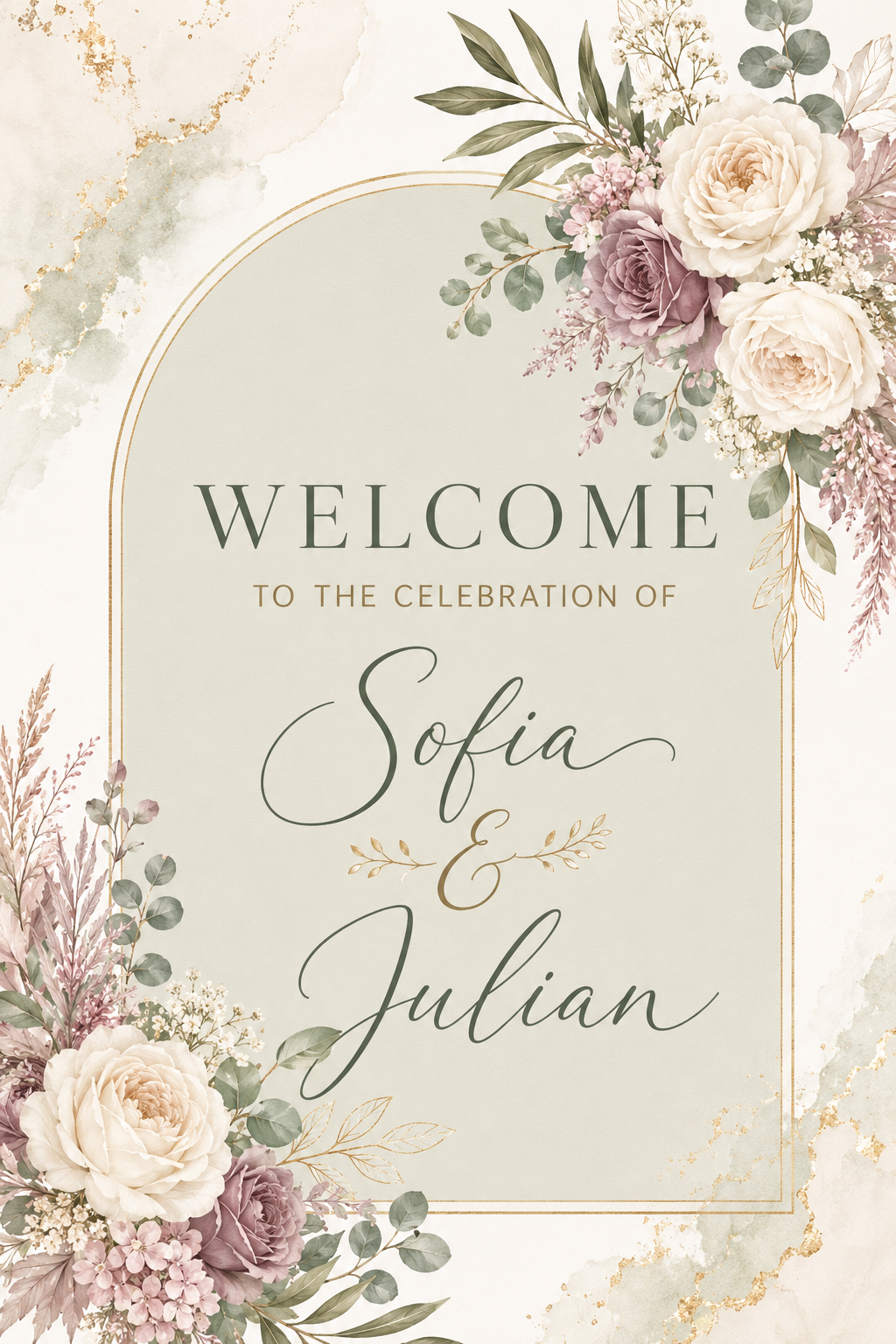
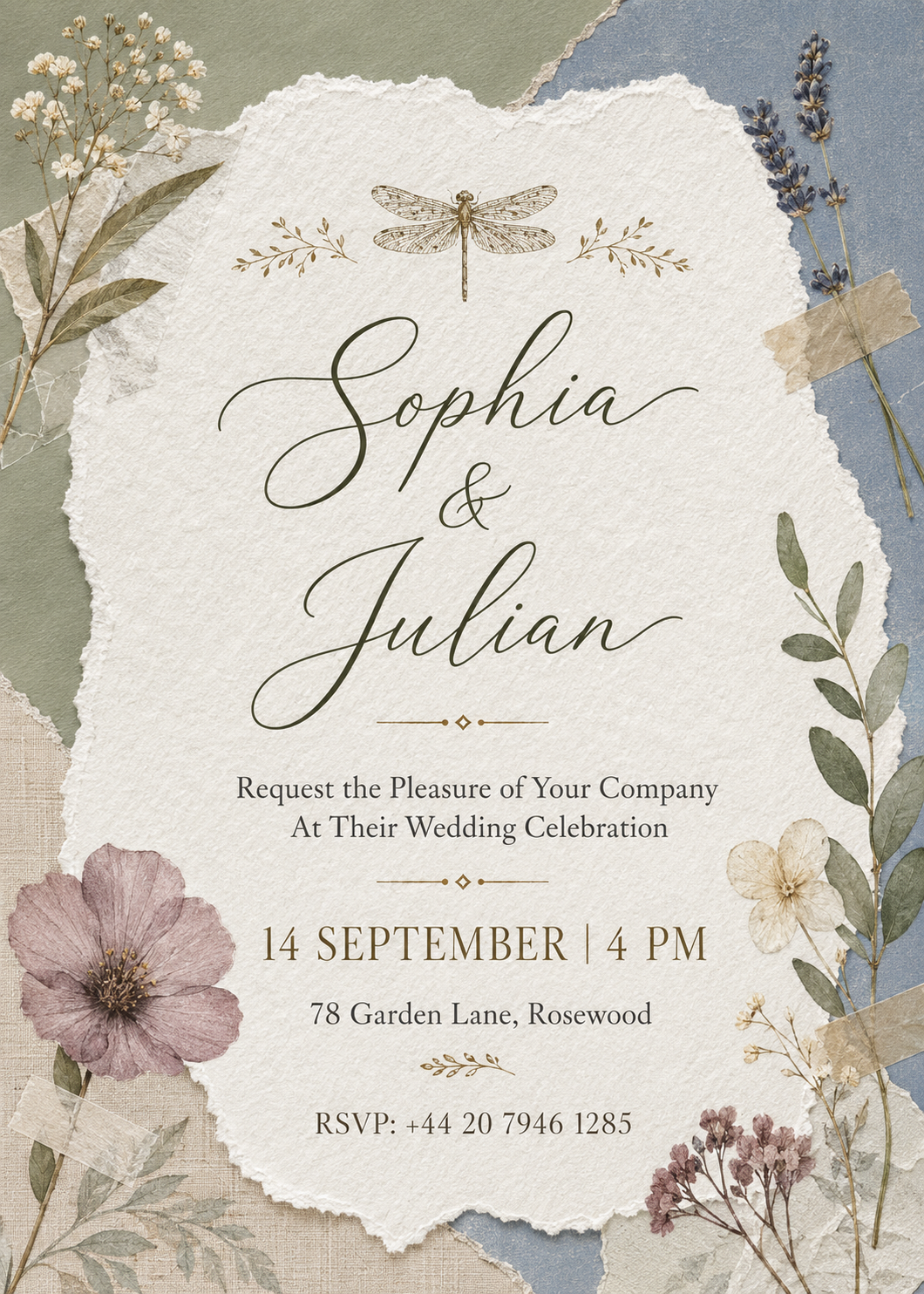
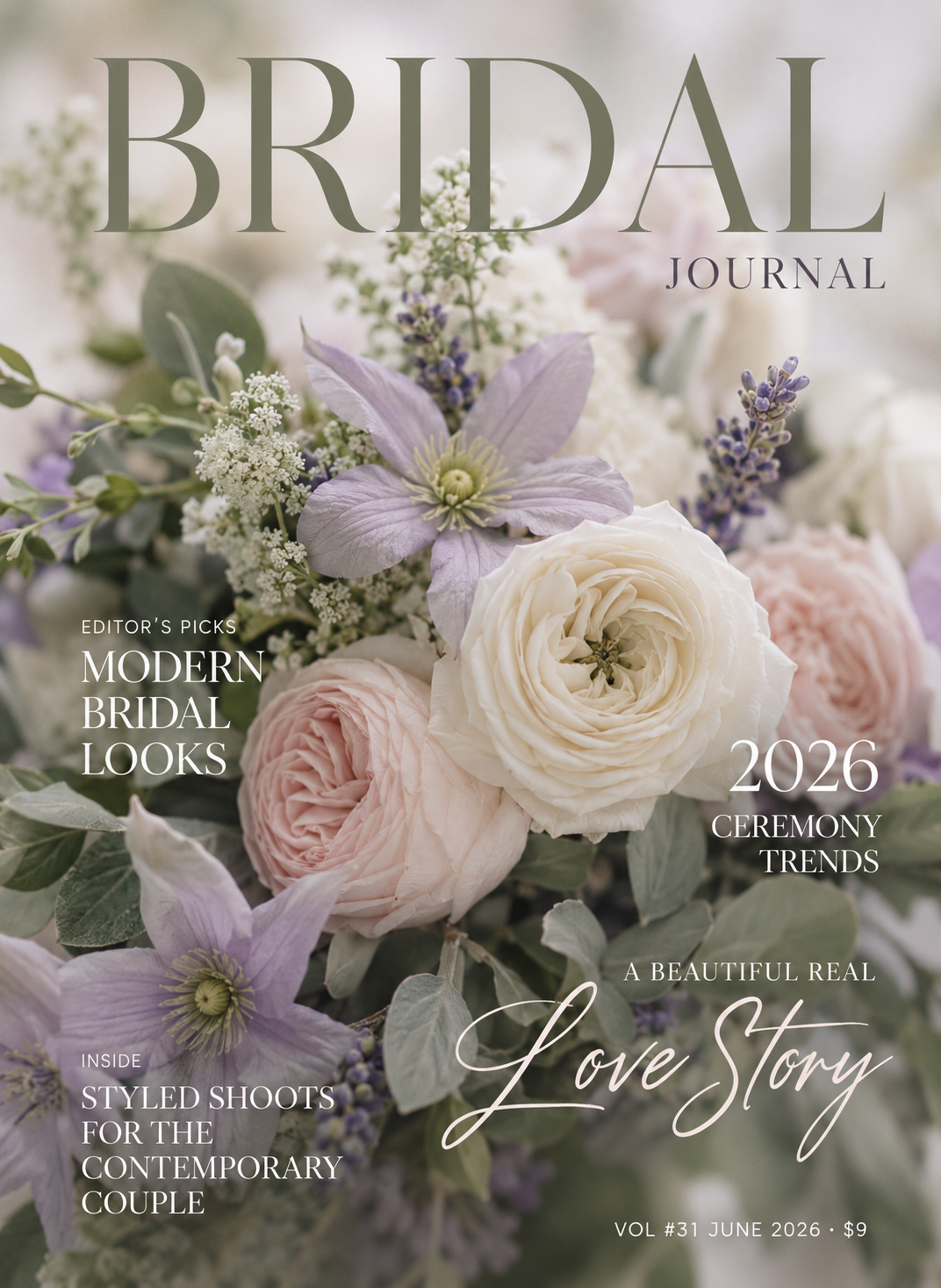

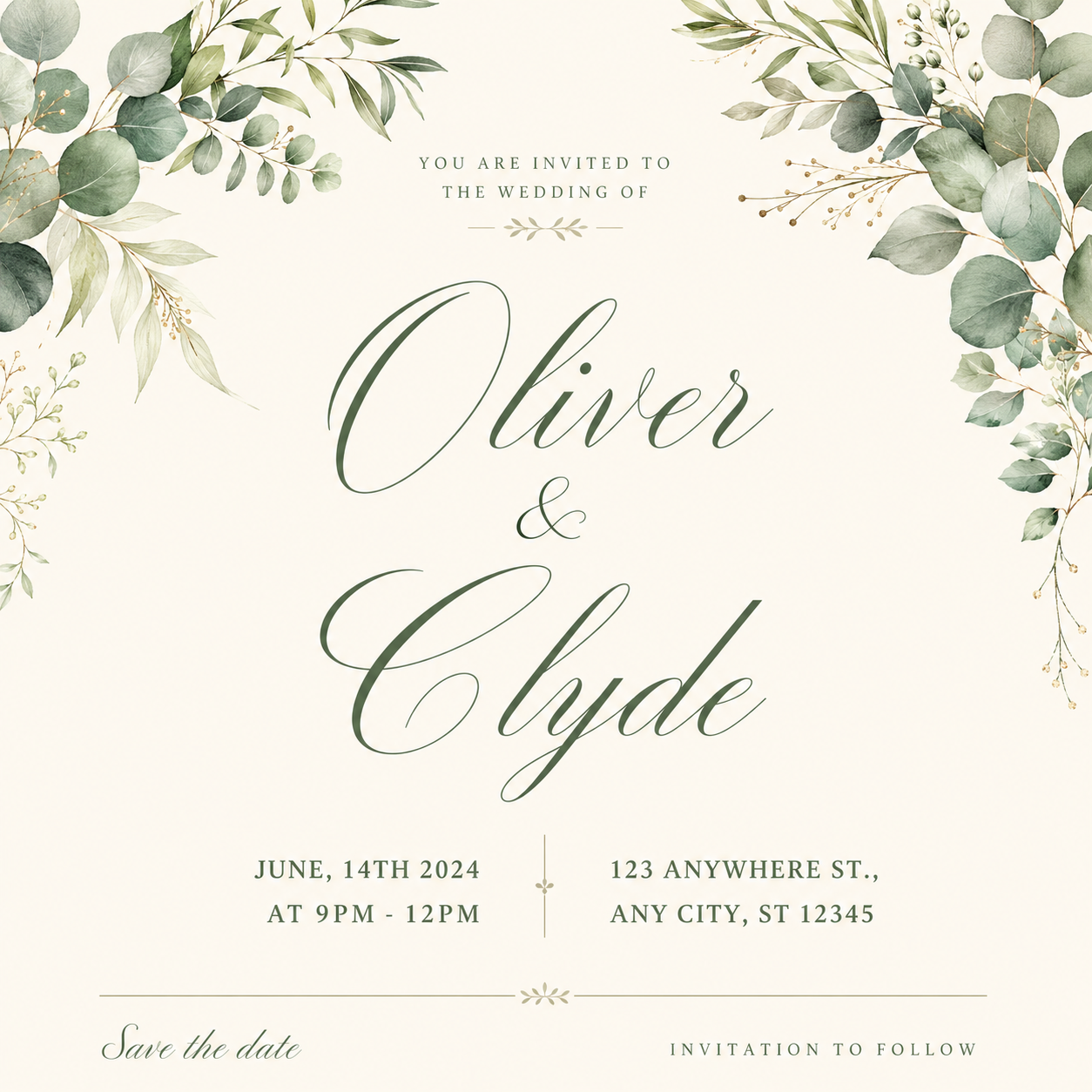


From trigger to ready-to-ship.
- WhenSetting your wedding aesthetic→ logo or monogram
- WhenSending save-the-dates→ save-the-date card or social post
- WhenInviting guests→ invitation suite
- WhenDay-of planning→ timeline + planner
- WhenSharing on social→ Instagram post pack
Open it. Edit it. Done.
No design software needed. Canva Free handles every template.
- 01
Pick the template that fits the job in front of you.
- 02
Click “Use template” — Canva opens it in your own account.
- 03
Customize anything — photos, names, colors, copy.
- 04
Export, post, print. Done.
Common wedding questions
- No — Canva Free works for every template. You only need Canva Pro if you want premium stock photos or the background remover. Not required to ship.
One email. Saturday morning. The best post from the ecosystem + what we shipped that week. No fluff, no “5 hacks for productivity” garbage. Unsubscribe with one click.
By subscribing you agree to receive our email newsletter and occasional offers from Apex Flow Labs. Unsubscribe with one click in any email. Privacy Policy.
How to use a pack in Canva
Open your Apex Canva template, swap the logo, colours and text, and export — a full walkthrough of editing and branding a pack in Canva's free version.
Step-by-step: after you buy, where your files land, how to open your download link, and how to get your Canva / Notion / STL / sticker files onto your device.